Navigate Back remembers important spots, guides you to your destination by map or compass, and records every tour – from a shore excursion during a cruise to a sailing trip, hike or bike ride. For iPhone, iPad and Apple Watch, including widgets.

The idea for Navigate Back came during a cruise. On a shore excursion, I almost didn't make it back to the ship in time – and realized in that moment that I was missing exactly the information I needed.
Where is the ship docked? What's the fastest way back to the port? Who can I call at the cruise line? What do I do if I can't communicate with anyone on shore?

You rarely think about questions like these in everyday life – but once things get tight, the stress kicks in fast. That's why Navigate Back brings together the key functions for trip preparation, orientation and finding your way back, all in one place.
What started with that one situation has since grown into an app for all kinds of movement. Whether you just want to record your route, follow a compass toward a destination with no fixed path, or navigate the classic way by map – Navigate Back covers everything between "record the way" and "find your way back safely."
Not just for cruises – from sailing trips to a walk around the block, by map, by compass, or completely free.
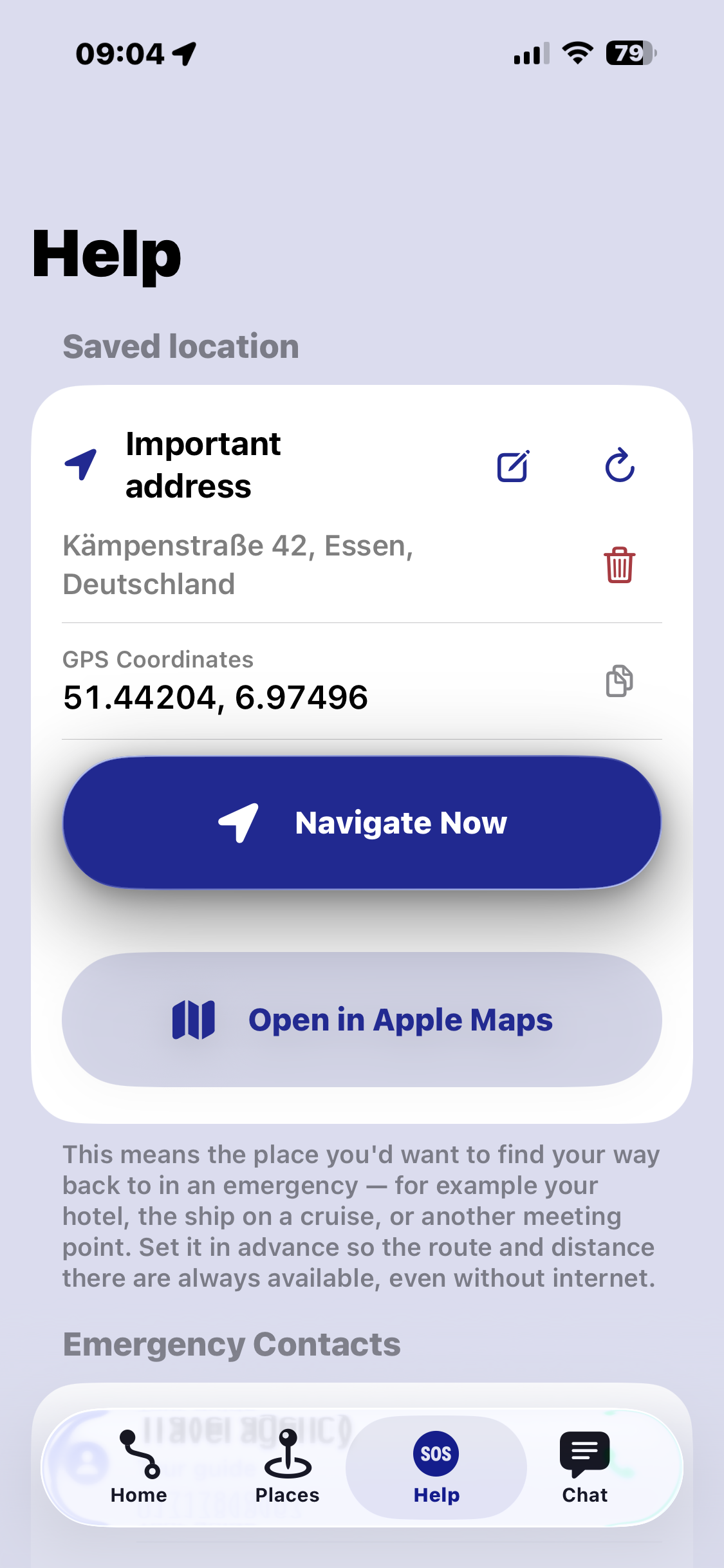
Save your berth, meeting points, emergency contacts and excursion destinations. Record your route and find your way safely back to the port.
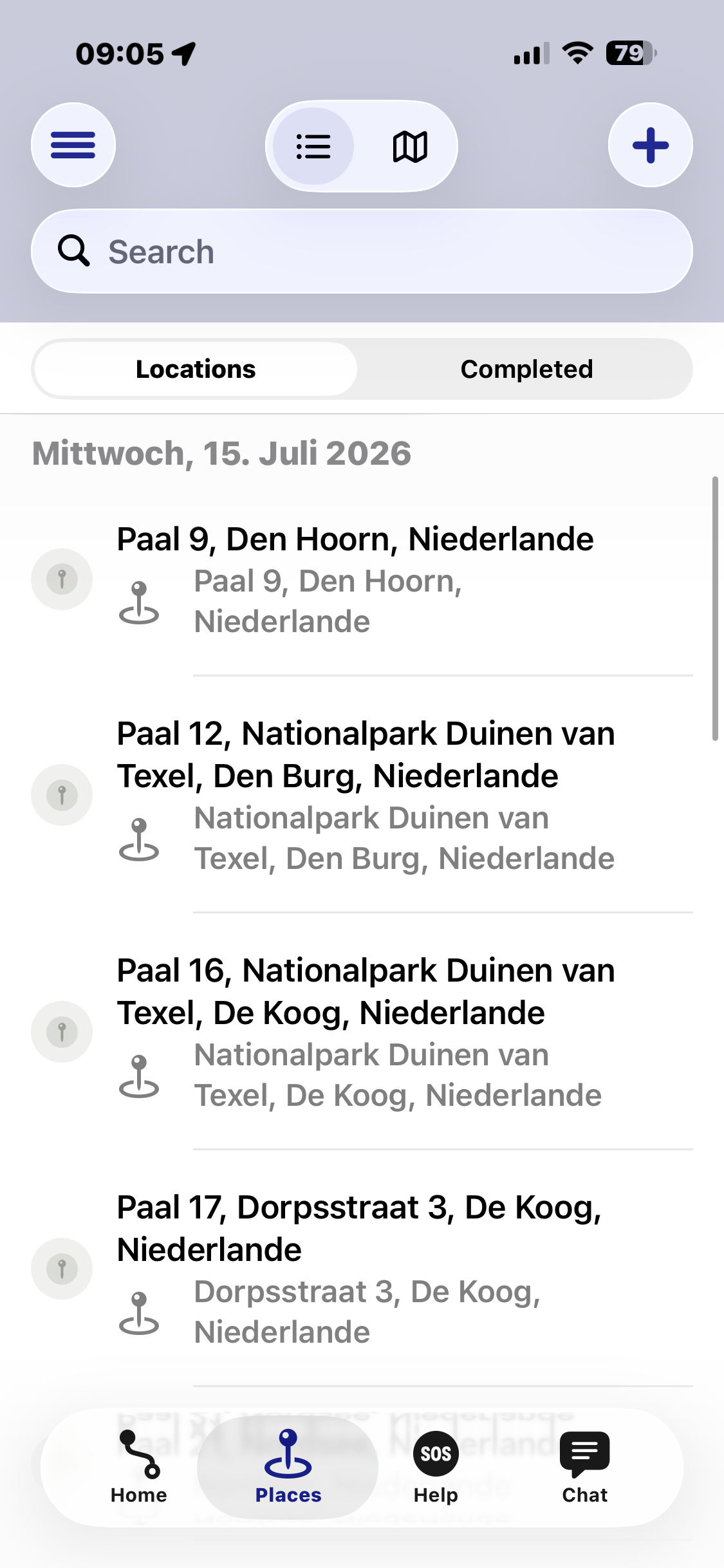
Mark your hotel, sights, restaurants and stops, and find them again at any time.
Hold a compass bearing on a harbor, a buoy or an anchorage – even with no roads or waypoints in sight.
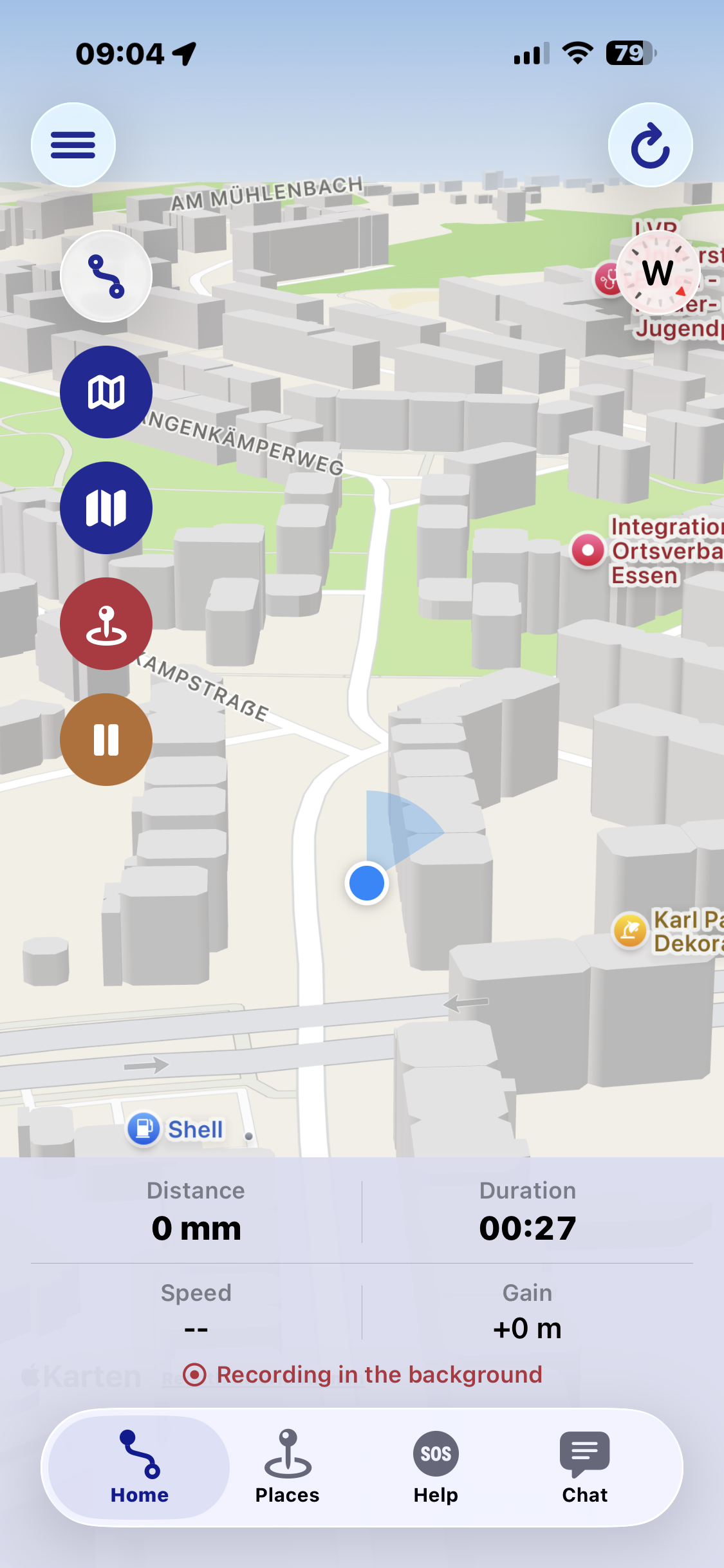
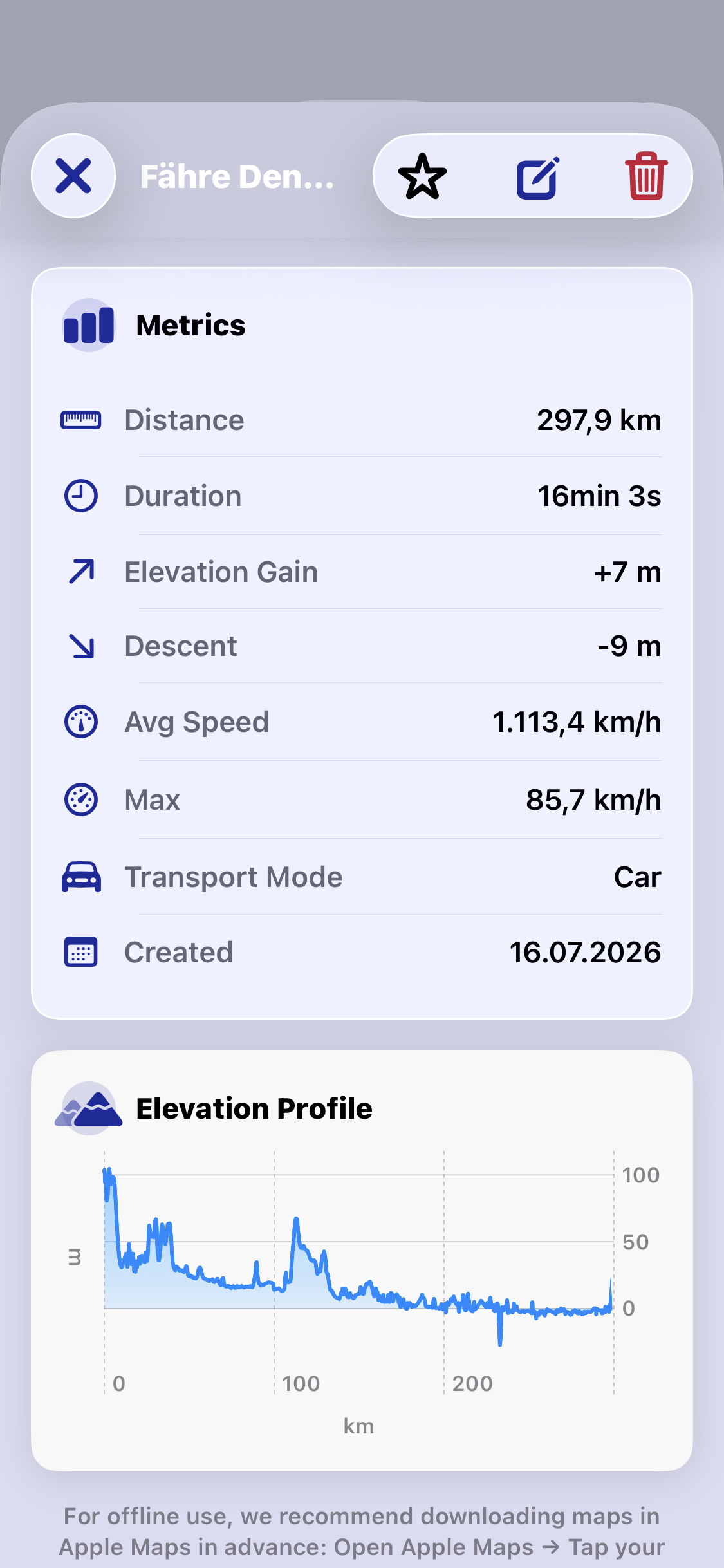
Record your route and review distance, duration, pace and elevation changes.
Track the path you've taken, save interesting spots, and use the compass to find your bearings even off marked trails.
Just set off and let your route be recorded – for a safe way back afterwards.
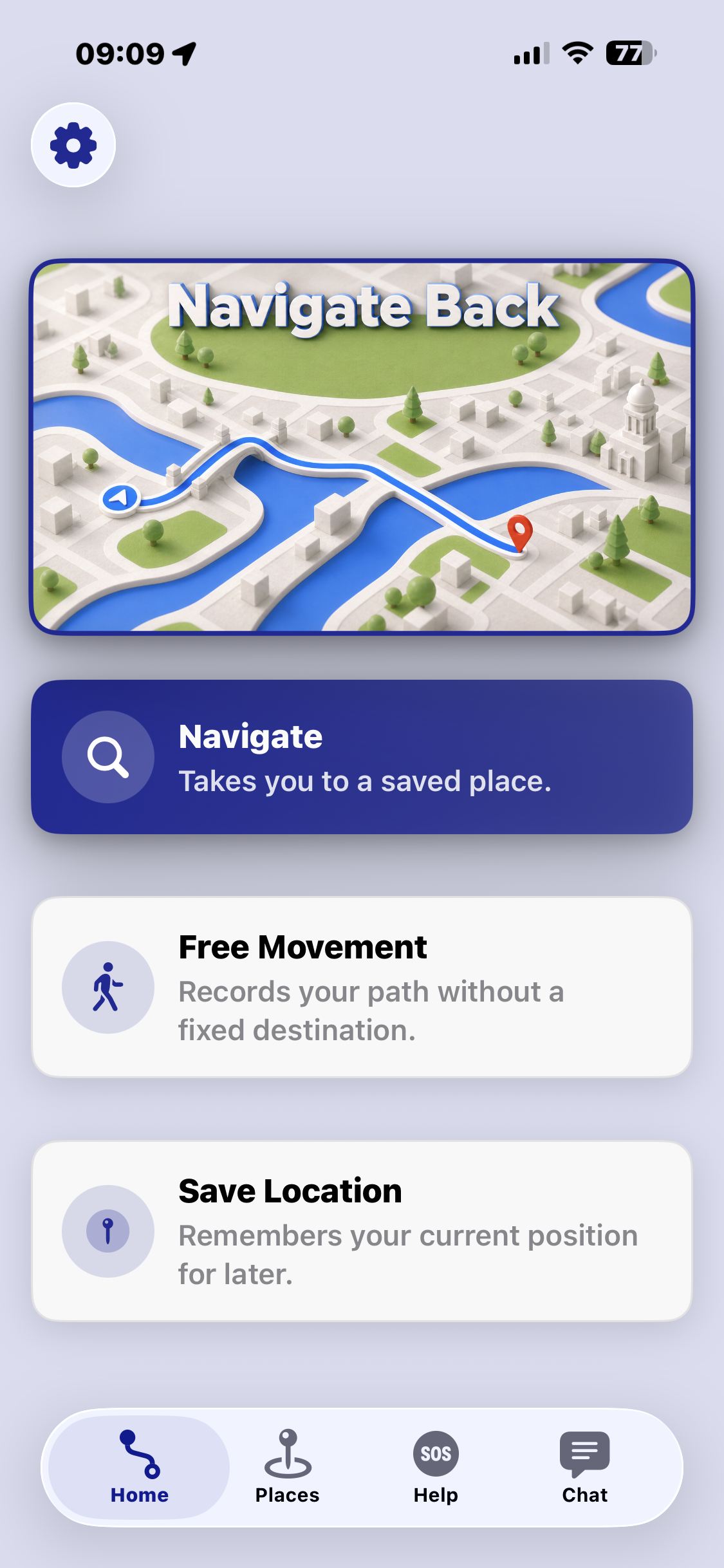
With a fixed destination, just a direction, or no destination at all – you decide how you get around.

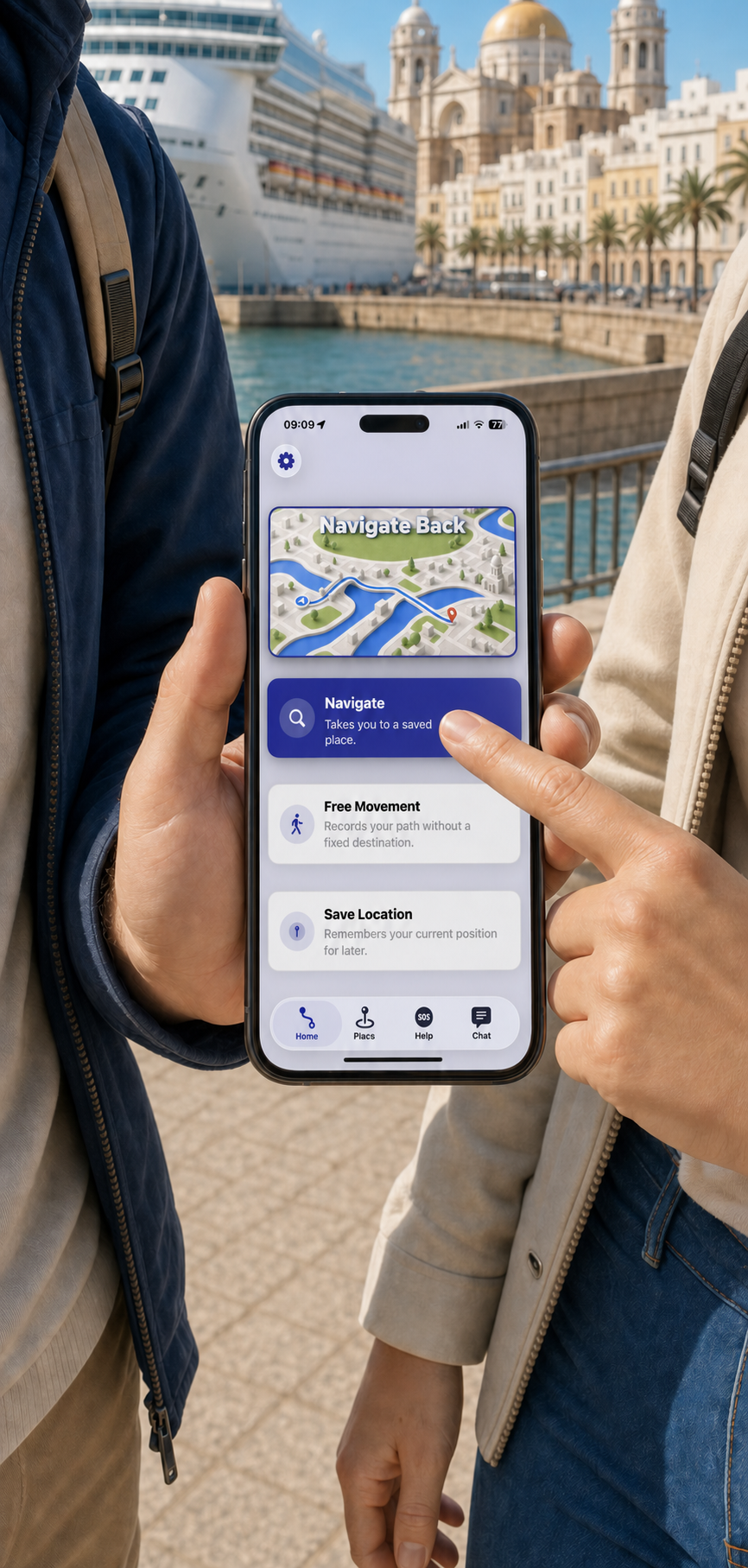
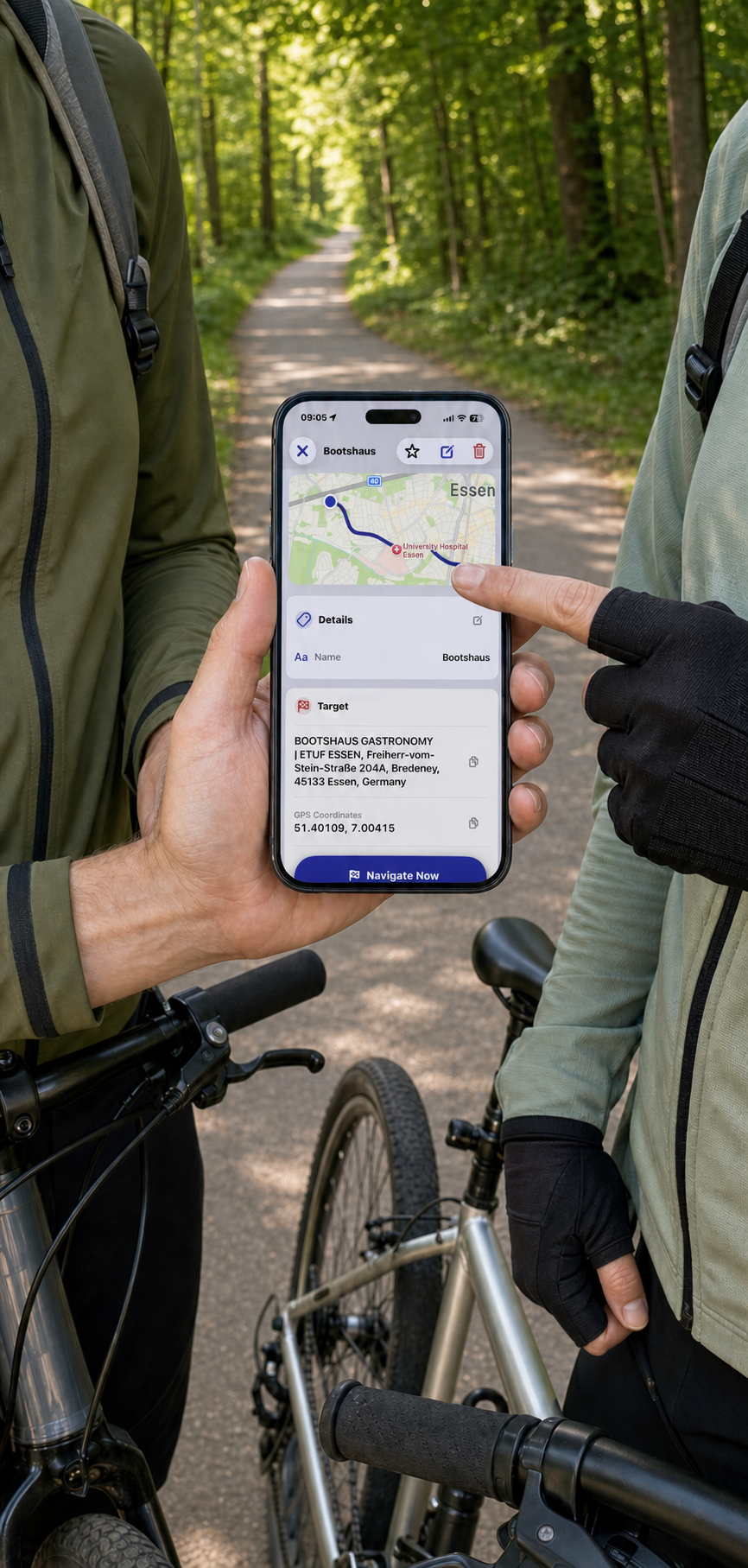
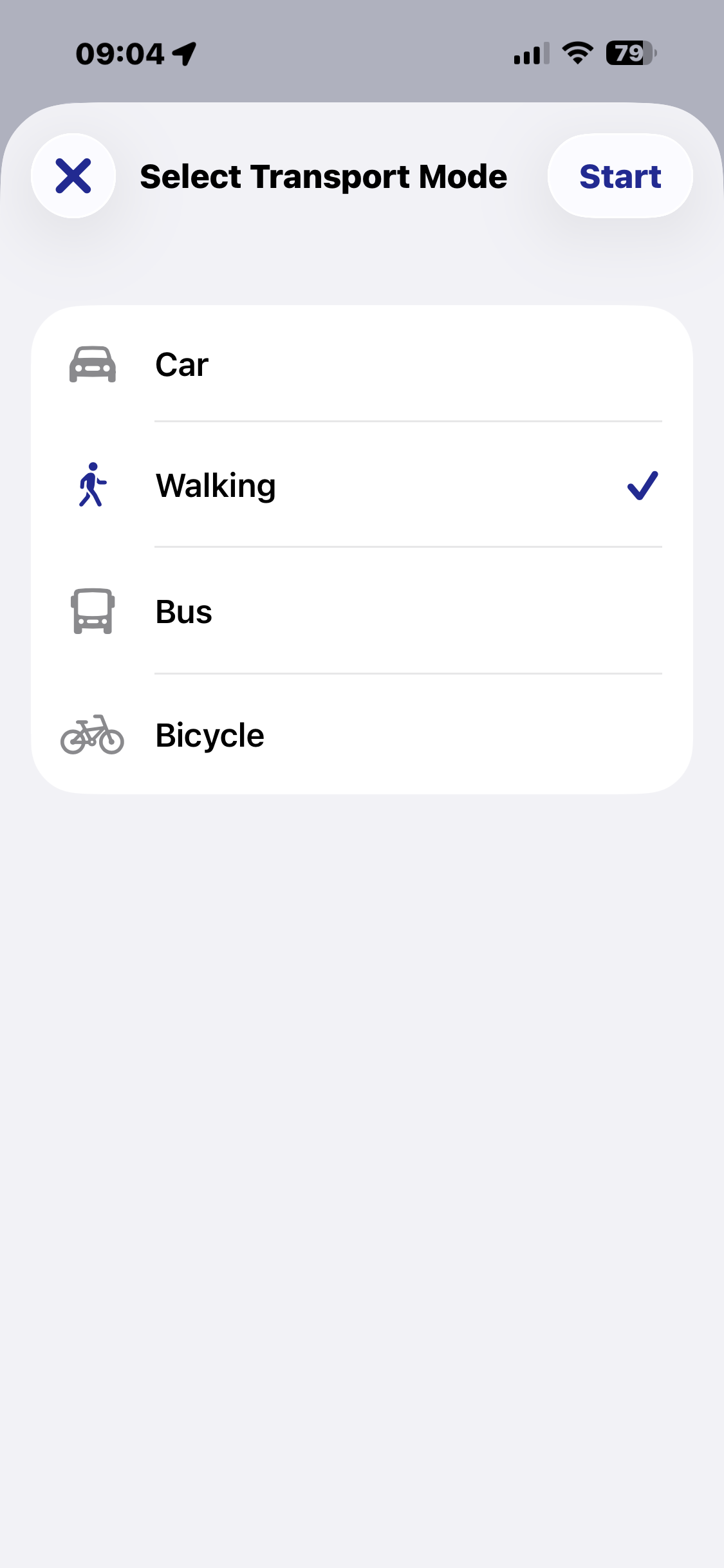
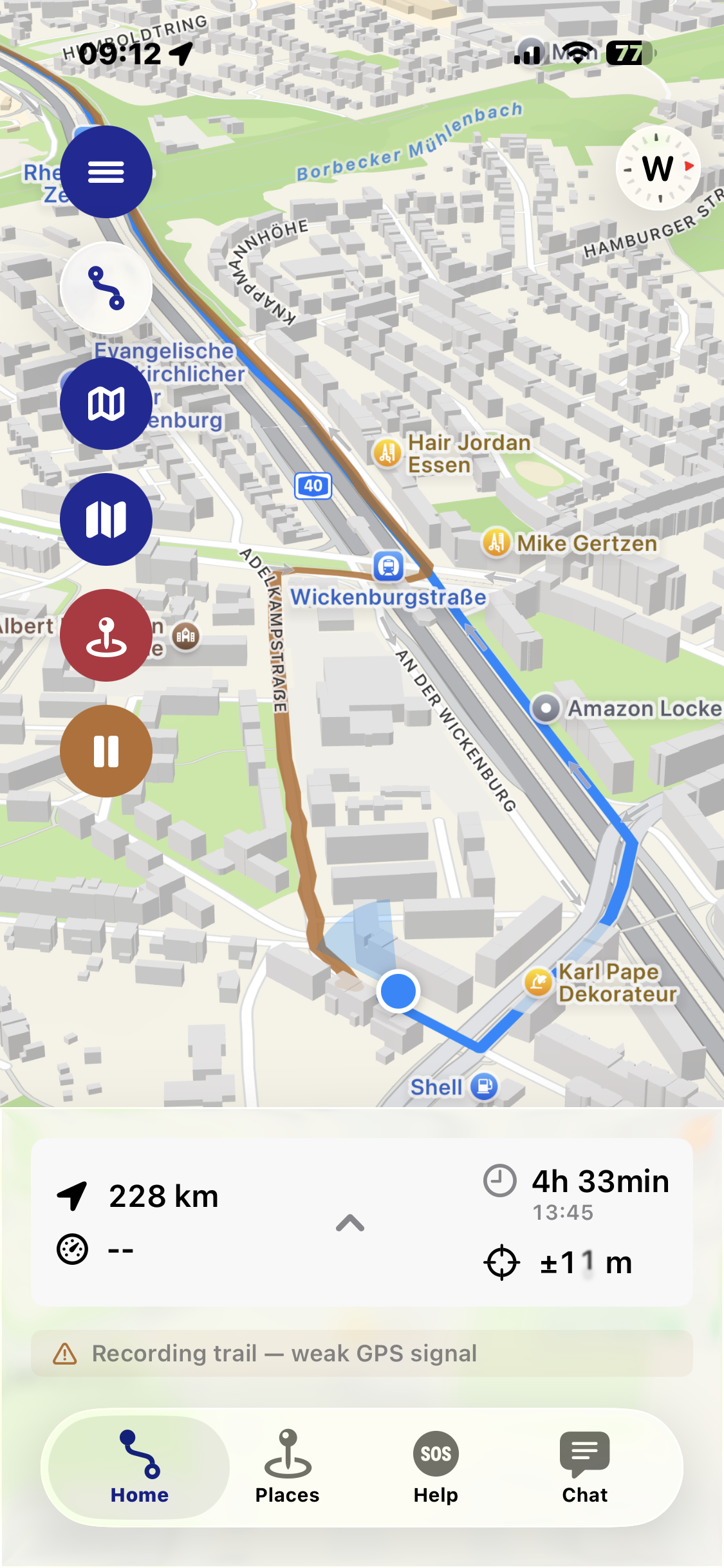
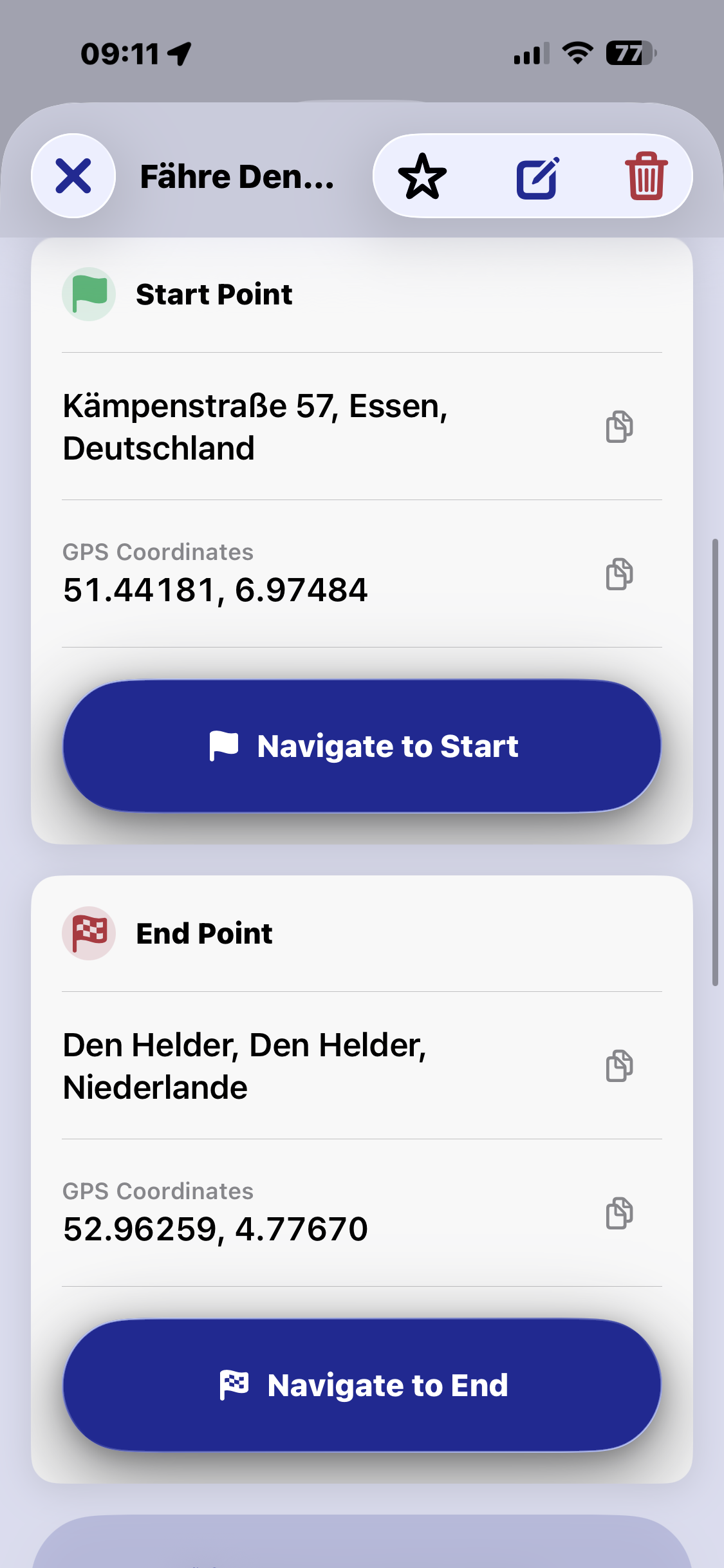
Navigation by map. As usual: pick a destination – a saved spot, an address or a GPS position – and Navigate Back guides you there with turn-by-turn navigation, on foot, by bike, bus, train, ferry or car. In the background, the app records your route; at the end, the outbound and return paths are saved as two separate tracks.

Compass navigation. No road network needed: Navigate Back simply shows you the direction to your destination, like a classic bearing compass – plus distance, estimated arrival time and further metrics. Ideal for sailors on open water, for trips off marked trails, or anywhere there's no road to your destination, just a direction. Your route is recorded and saved here too.

Move freely. No destination, no compass – just set off walking, cycling or driving and let your route be recorded automatically. Perfect for bike tours, hikes, walks, or any trip where the journey itself is what matters, not a fixed destination.
An overview of the most important features.
Ports, bus stops, excursion destinations, emergency addresses and contact details for the cruise line or tour guide – all in one place.
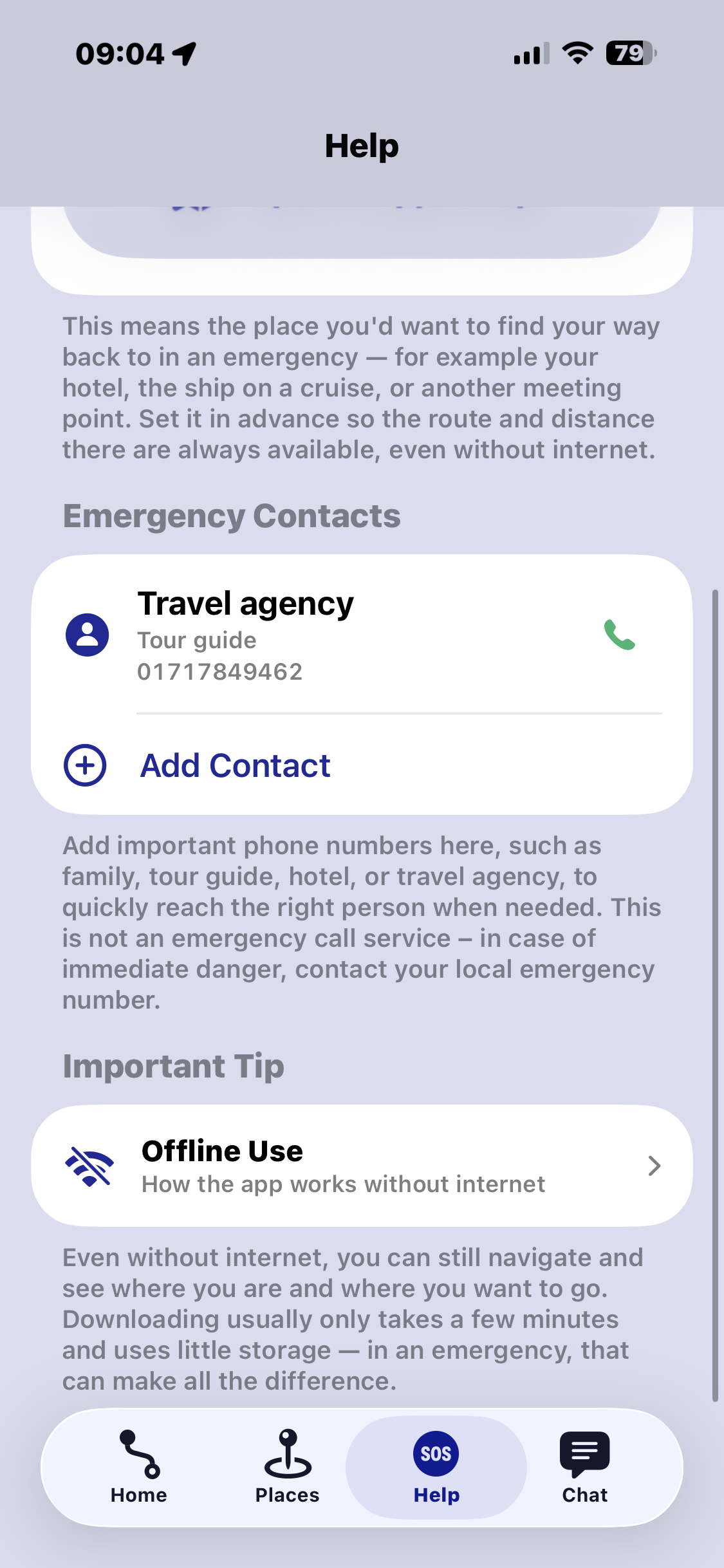
Keep addresses and phone numbers for the cruise line, tour guide or family close at hand for the worst case.
Turn-by-turn navigation to a saved spot, an address or a GPS position – on foot, by bike, bus, train, ferry or car.
Just the direction to your destination, no road network required – ideal for sailors, outdoor trips and open terrain.
Track the path you've walked and drop markers along the way at important or interesting spots.
Follow your recorded route back, or navigate directly to your saved starting point.
Capture photos while recording your route – automatically linked to your tour as an extra visual clue for the way back.
Distance, pace, duration, elevation profile and further metrics like step count and floors climbed – during the tour and in the summary afterwards.
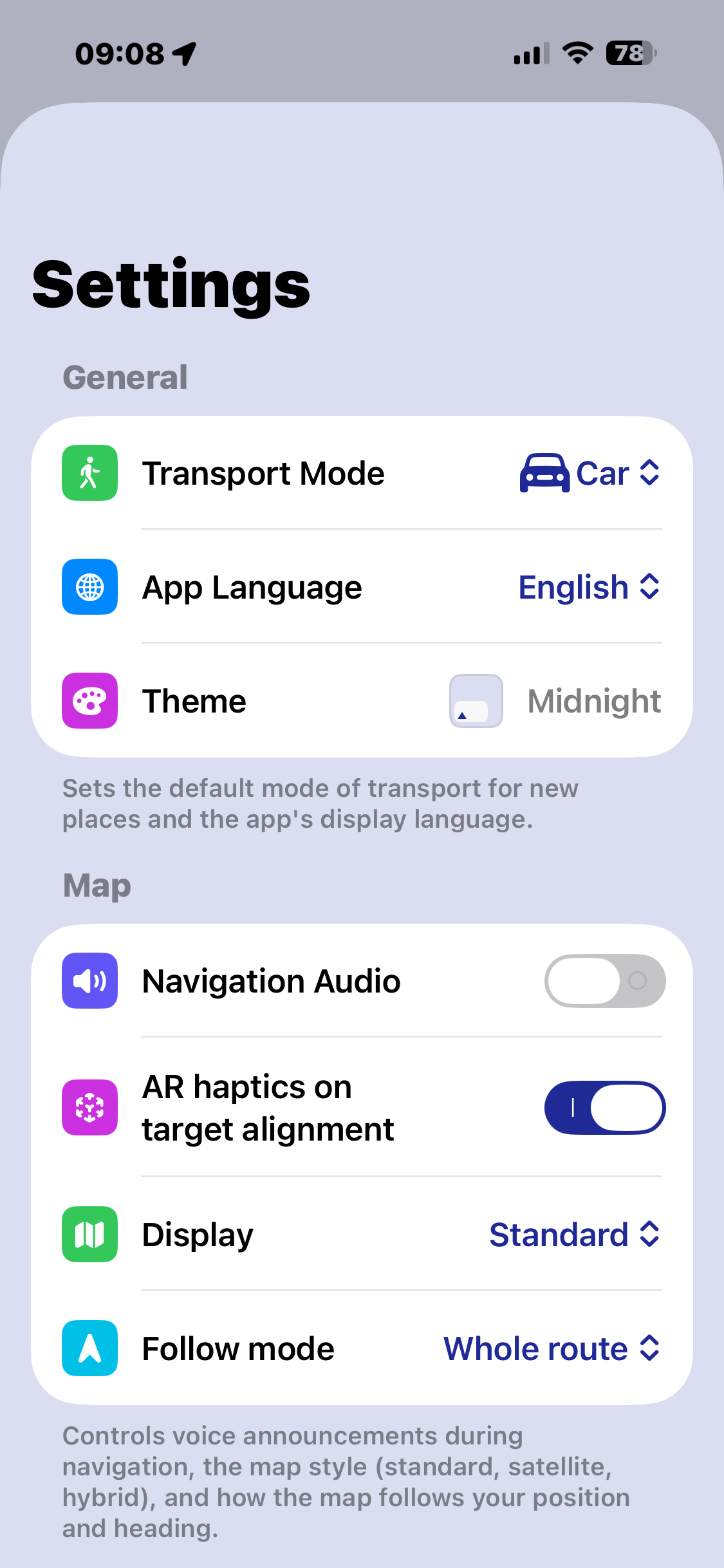
Use downloaded Apple Maps data along with GPS and compass, even with no internet connection at all.
Directional information overlaid directly on the camera view – helpful in confusing or unfamiliar surroundings.
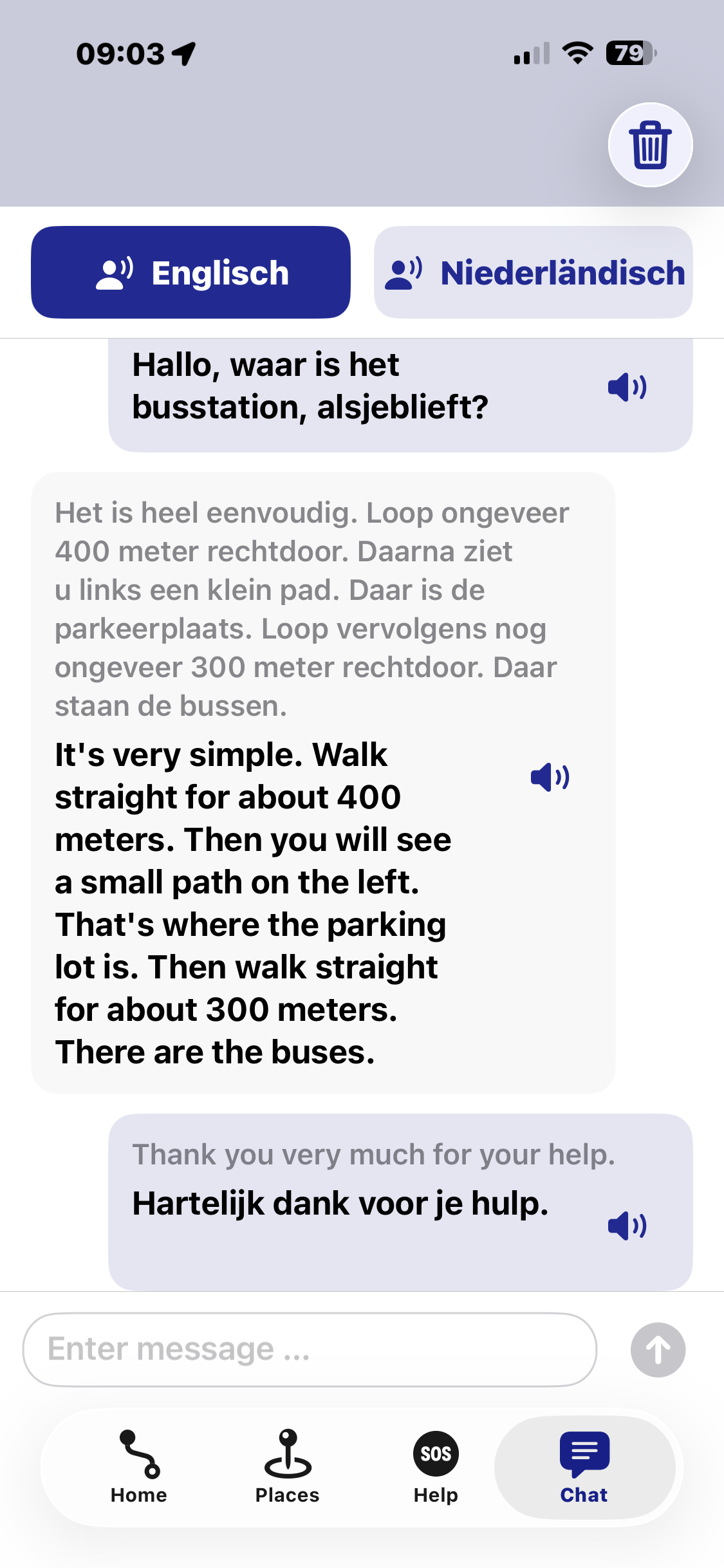
Break through language barriers: your input gets translated and can be read aloud in the target language.
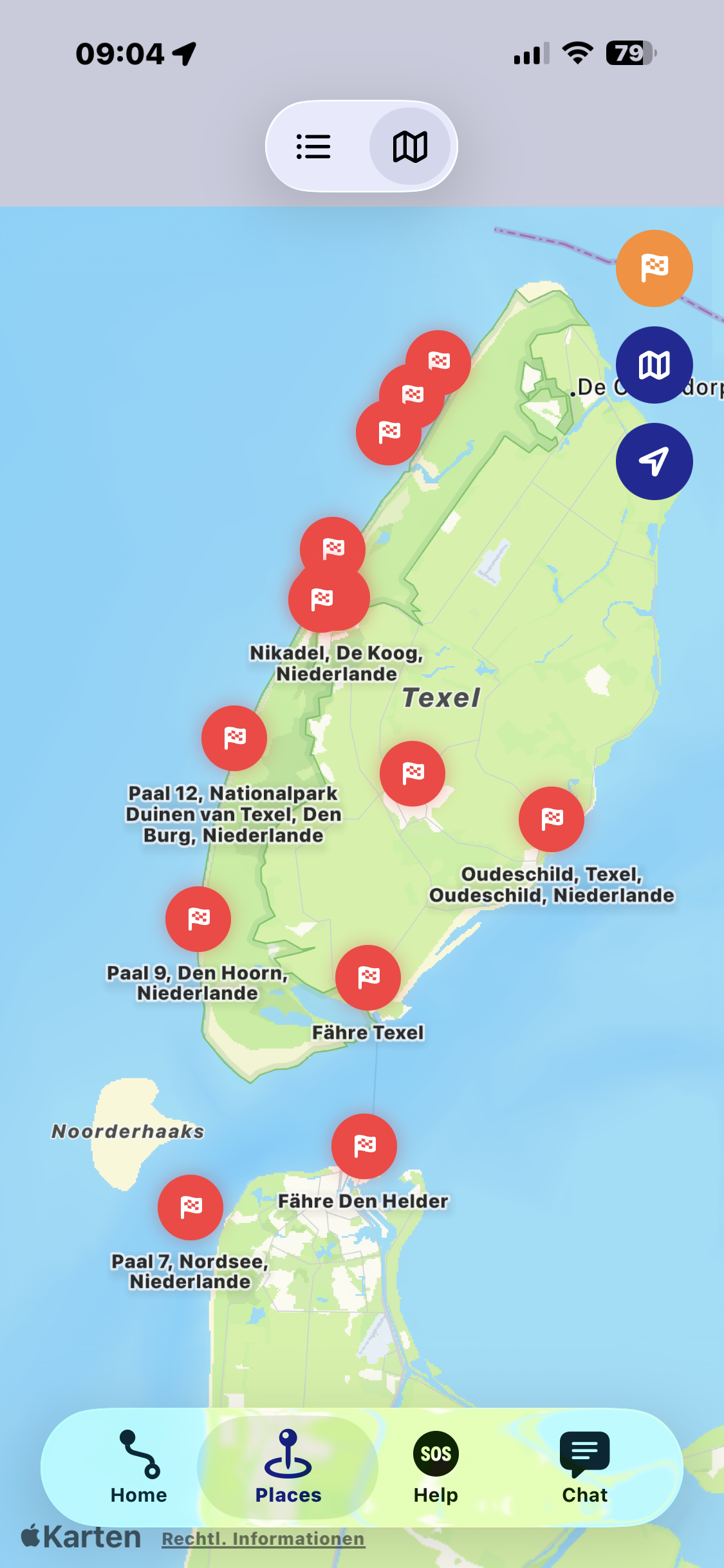
Keep all your saved spots together in view on one map.
Assign your own tags to spots and tours and filter by time range to show exactly the entries that matter right now.
Plan your trip on the iPad, use it on the go with your iPhone – your data follows you across all your devices.
From trip preparation to a safe return on board – step by step.
One-time purchase · No subscription · No in-app purchases
You pay once and use Navigate Back without limits from then on – no ongoing costs, no subscription and no extra features hidden behind a paywall. All features are freely available, and the app is continuously being developed further.
Navigate Back comes along in all kinds of situations – from walking the dog around the block to a sailing trip. These examples show what route recording, map navigation and the compass are good for, at home and on the road.


The app was born on a cruise – and that is exactly where it shines. Keep the berth and departure time in view, explore the port on your own, and get back on board in time, even without data roaming.


Navigate Back for iPhone, iPad and Apple Watch – buy once, use forever.
Yes. With offline maps downloaded in advance, along with GPS and compass, orientation, saved spots and your recorded track all work even without an active internet connection.
With map navigation, Navigate Back guides you with turn-by-turn directions along roads and paths to your destination. Compass navigation instead just shows you direction, distance and estimated arrival time – no road network, useful for sailors or trips off marked trails. With "move freely" there's no destination at all: the app simply records your route. Your track is saved in all three modes.
For preparation – such as downloading offline maps and adding spots – you'll need an internet connection once, ideally at home before you travel.
The translation feature is part of the app and comes at no extra cost. Details on data processing can be found in the privacy policy.
Your data stays on your device. Optionally, you can sync it encrypted across your Apple devices using your own iCloud account.
Navigate Back runs on iPhone and iPad, including support for the Apple Watch and home screen widgets.
Navigate Back is available in German and English.
Navigate Back is available on the Apple App Store and is being developed further continuously. New features are added as free updates.