A budgeting app that doesn't feel like accounting. Log every transaction in seconds and keep an eye on your accounts.

Buy once · use forever · no subscription
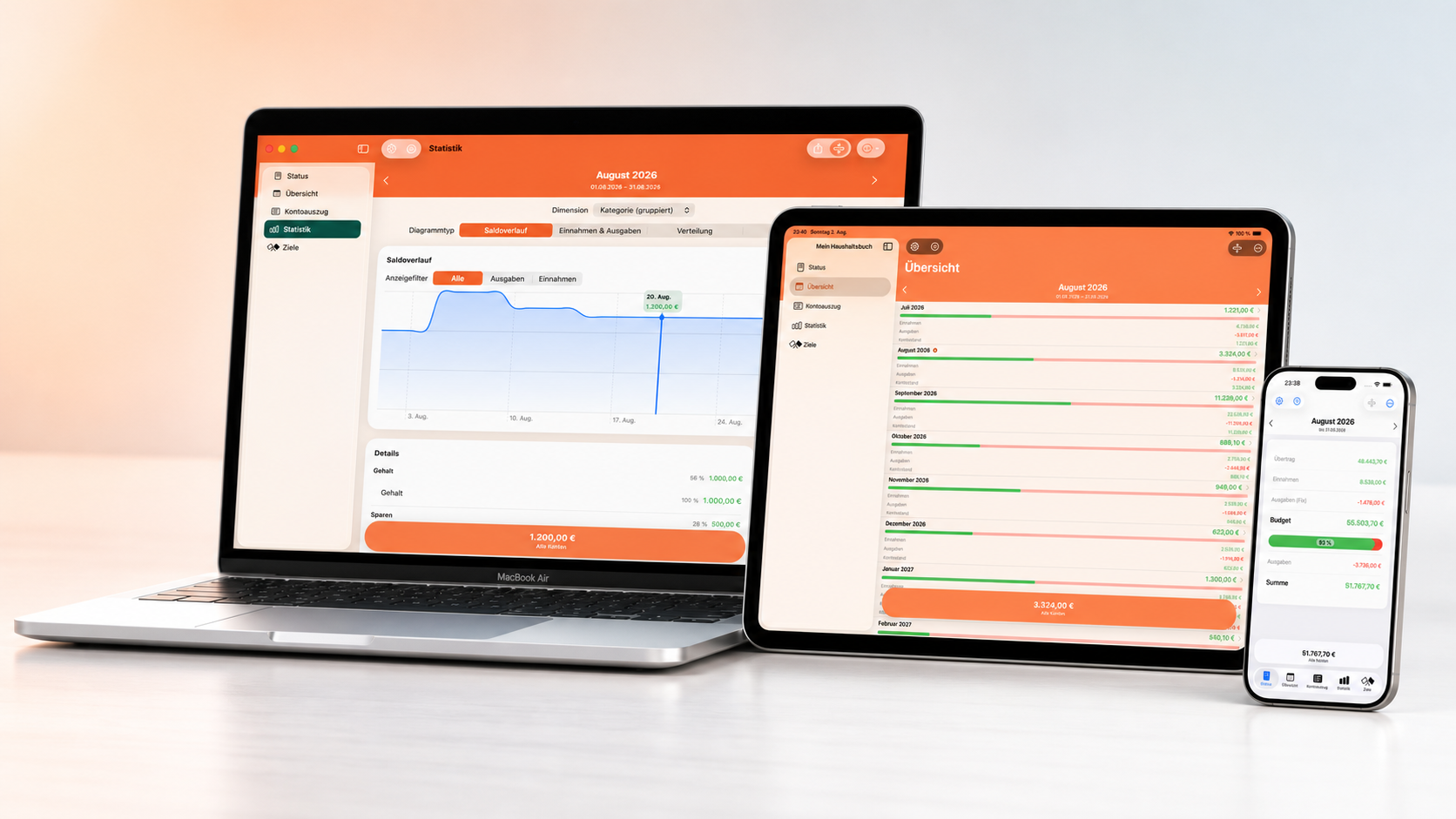
Log your income and expenses, track your financial development, and get a clear overview of your accounts and transactions in just a few steps.
After purchase, the full feature set is available to you right away:
You can install the app on all your compatible iPhone and iPad devices with the same Apple Account, and download it again from the App Store at any time.
Buy once. Use forever. No subscription, no in-app purchases.
An overview of the most important features.
Multiple views of your account statements plus meaningful statistics and charts.
Mein Haushaltsbuch runs on iPhone, iPad and Mac and adapts to each platform. Thanks to iCloud sync, your data stays up to date across all your devices automatically.
Switch between a monthly view and a day-to-day view, including carry-over from the following months.
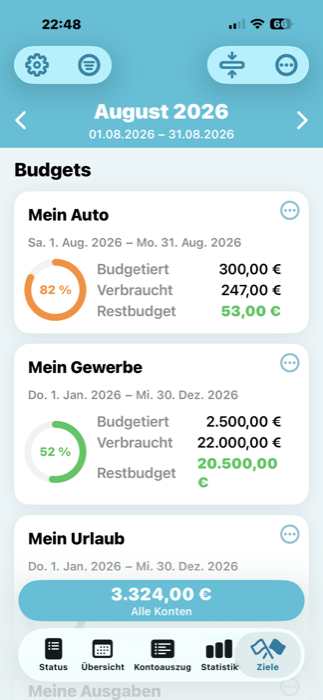
Set up budgets to keep your spending under control – transactions are assigned automatically.
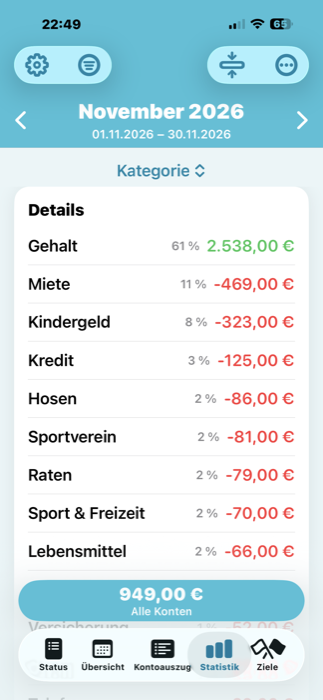
Set savings goals for bigger and smaller purchases – transactions are assigned automatically.
Handy when you're entering transactions or checking your finances in public and don't want anyone looking over your shoulder.
Uses up-to-date exchange rates and can generate a conversion table for your next trip.
Import your account statements from a CSV or Excel file – the rule assistant sets booking criteria automatically.
Balance, overview, transactions, statistics and savings goals – all the key information in one place.
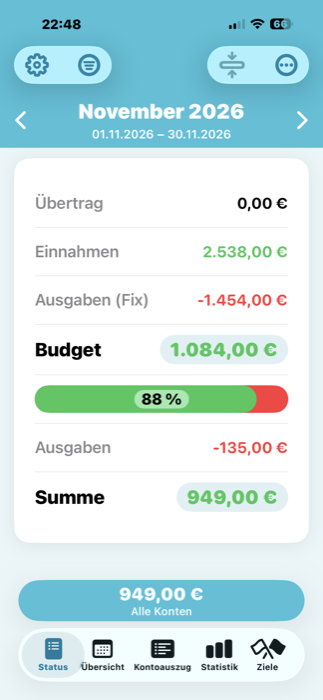
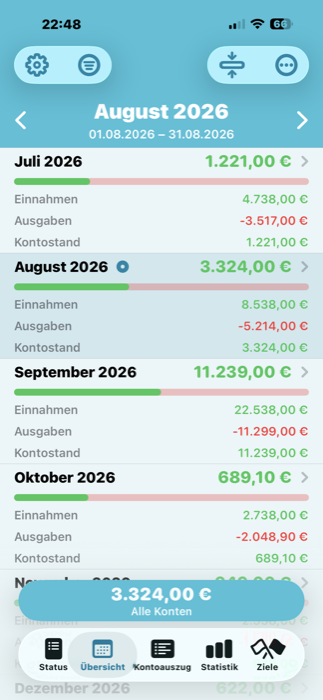
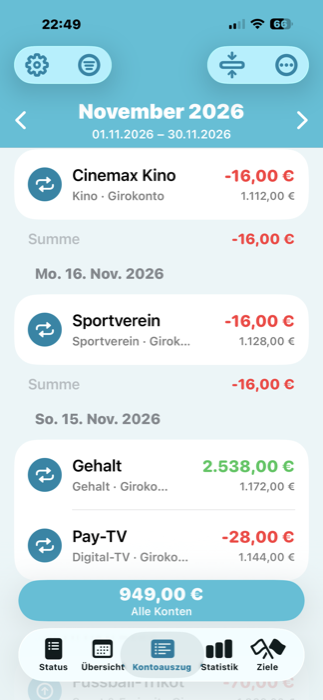
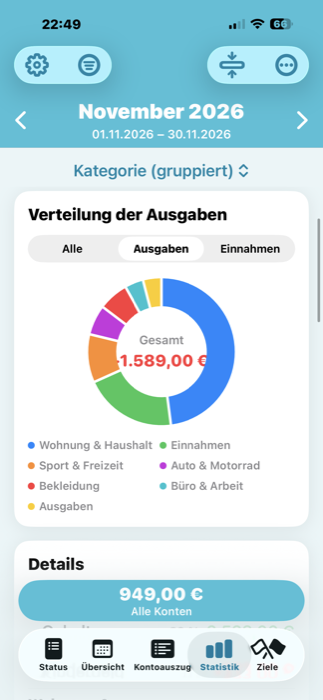
Log income and expenses quickly, without the hassle.
Download it now and give it a try.
No. Just open the in-app purchases in the app's settings and tap "Restore Purchases". With the same Apple Account you originally purchased with, the full version is unlocked again automatically.
Enable developer mode in the options and then open the correction assistant. It repairs minor database problems automatically and can also send us detailed diagnostic data for further analysis, if you'd like.
For security reasons, the app doesn't support a direct online retrieval from your bank. You can, however, export your statements as a CSV or Excel file from your bank's online banking and then import them into the app.
Open the import section in the app and select your CSV or Excel file. With the rule assistant, criteria like categories or payment methods can then be assigned automatically for future imports. A detailed step-by-step guide is included in the manual.
Yes. All data stays on your device and isn't automatically sent to any server. You can optionally store an encrypted backup in your own iCloud. The developer runs no servers of their own and has no access to it.
Yes. In the display settings, you can switch between the monthly view (monthly balance) and the day-to-day view, which shows the running balance including carry-over from the following months.
Yes. Thanks to iCloud sync, your data is automatically kept in sync across your Apple devices. This requires being signed in with the same Apple Account and having iCloud enabled on all devices.
Yes. The classic PIN prompt is available, plus Touch ID or Face ID on newer devices. The input delay can be freely set from a few seconds up to ten minutes.
The app is available for iPhone, iPad, Mac and Apple Watch. Your data stays in sync across all supported devices via iCloud.
An Android version is planned. We can't yet commit to a release date, though.